
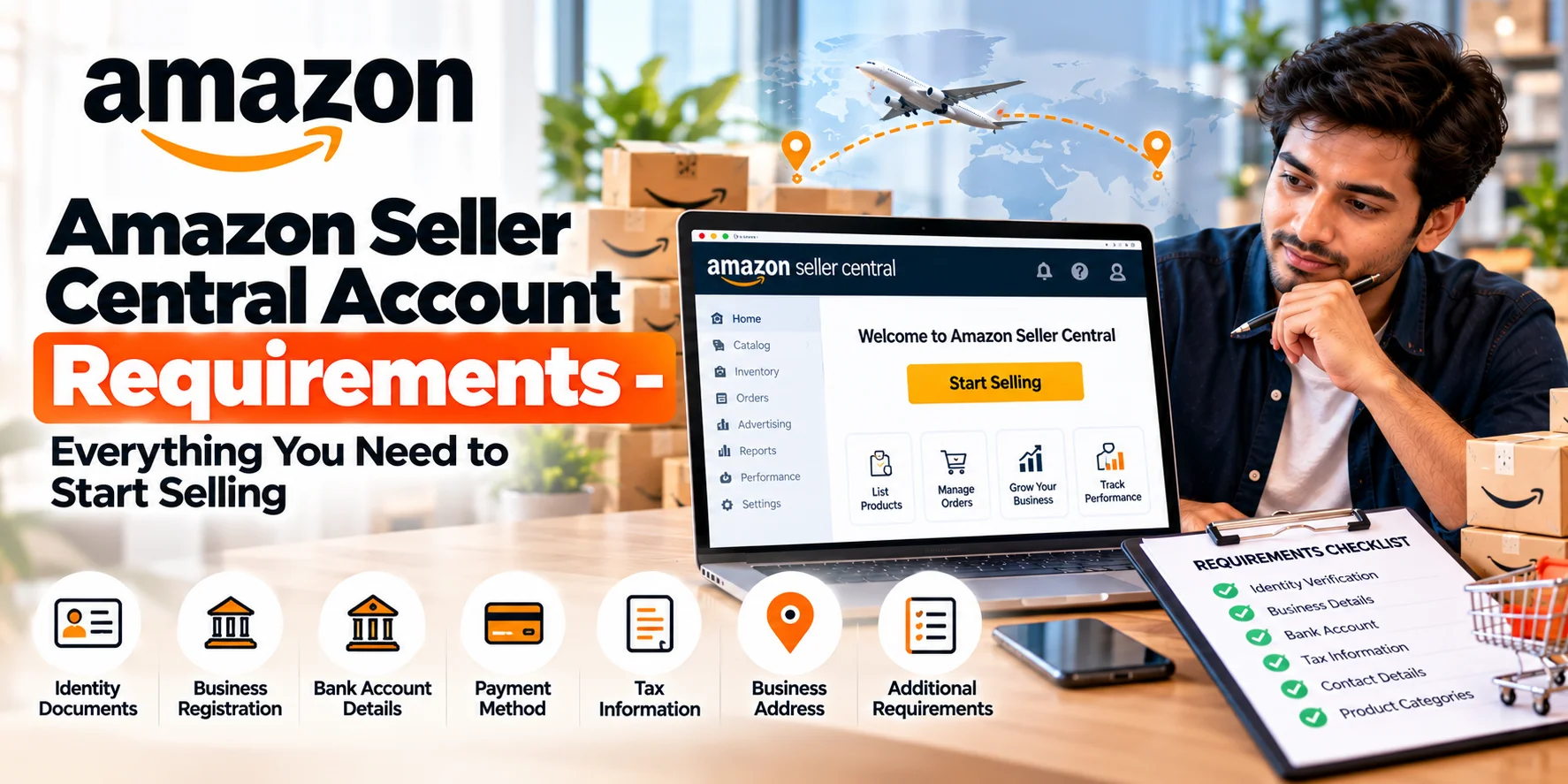
Thinking of selling on Amazon but not sure what’s required to get started? From documentation, tax laws, bank verification, to performance requirements-there’s quite a bit. Infobeam Solution, based in India, simplifies this process. With the right setup, you can launch your Amazon store quickly and sustainably.
Why Getting the Requirements Right Matters
Starting off with correct, verified information ensures:
- Faster approval of your Seller Central account
- Fewer delays, less stress, fewer rejections or document re-submissions
- Stronger seller metrics from day one (good credibility, fewer policy violations)
- Smoother access to all tools & features like Brand Registry, A+ Content, Sponsored Ads, etc.
Checklist: Essential Requirements to Open an Amazon Seller Central Account
Here are all the things you need to have / do to open a fully functional and compliant Amazon Seller Central account in India:
| Category | What’s Required | Important Notes |
|---|---|---|
| Business Type & Legal Entity | Choose Individual, Sole Proprietorship, Partnership, LLP, Private Limited, etc. Register your business legally based on your choice. | Registration documents help with bank account verification, compliance, and many categories on Amazon require registered entities. |
| Tax & GST Compliance | PAN card (mandatory), GST registration (if taxing goods), income tax compliance. | Even if turnover is low, having GST is often expected and useful for invoicing & tax benefit. |
| Identity & Address Proof | Valid identity proof (Aadhaar, Passport, Voter ID etc.) Valid address proof (utility bills, Aadhaar, bank statement etc.) | Ensure names & addresses are consistent across all documents. |
| Bank Account | A bank account in your name or business’s name with correct IFSC details. Proof of bank account (cancelled cheque, passbook, statement) must be ready. | Ensure bank account name matches name on legal documents (PAN, business registration). |
| Contact Details | Valid email address & active mobile number. You’ll receive OTPs, verification, notifications via these. | Keep your phone and email active and secure. |
| Product Compliance (for certain categories) | For restricted or regulated categories: certification, licenses (e.g. FSSAI for food, safety certificates for electronics, etc.) | Check Amazon category policies in advance. Missing required compliance can delay or block listing. |
| Trademark (Optional, but Beneficial) | Trademark registration if you want Brand Registry access. Helps with catalog control & copy protection. | Not mandatory at start, but paying off long term. |
| Quality Listing Assets | Good images, product measurements/specs, accurate descriptions. Proper GTIN / UPC / EAN codes if required. | High-quality assets improve approval, conversion, and reduce returns. |
| Fulfillment Plan | Decide whether you will use FBA (Fulfillment by Amazon), FBM (seller fulfillment), or hybrid. | Each has cost, logistics, stock planning implications. |
Steps to Complete Verification & Account Setup
Here’s a typical workflow to get your Amazon Seller Central account fully verified and ready to sell:
- Register on Amazon Seller Central using basic business info.
- Submit identity & address documents as required. Amazon will ask for scans/photos.
- Provide bank account & tax details (PAN, bank proof, GST if applicable).
- Complete KYC / compliance checks (sometimes Amazon will request invoices or supplier proofs).
- Wait for Amazon’s verification – usually 2–5 business days if everything is in place.
- After verification, start listing products: ensure your listings meet Amazon’s product listing policies.
Common Pitfalls & How to Avoid Them
- Using mismatched names or spellings across PAN, bank, address proof, etc.
- Submitting blurry, cropped, or low-resolution document scans/photos.
- Missing or expired documents.
- Not checking category-specific requirements or restricted items.
- Not preparing for bank verification or not having banking documents that match business name.
Additional Best Practices
- Maintain digital copies of all important documents.
- Always update Amazon whenever information changes (address, bank account, identity proof).
- Use a valid U.S. address or export documentation if you plan to sell outside India via Global Selling.
- Prepare product images in required format/resolution ahead of listing.
- Keep track of all emails / notifications from Amazon-missing one could delay verification.
Frequently Asked Questions
Can an individual seller register without a formal business entity?
Yes. Amazon allows individual or sole proprietor registrations. But having a registered entity gives you more options, better credibility, and is often required for higher volumes or brand tools.